You plug in your charger, the cable feels snug, and nothing happens — no charging icon, no percentage climbing, nothing. Before you assume your battery’s dead or your charger’s broken, the actual problem is very often the charging port itself.
Charging ports take more physical abuse than almost any other part of your phone — plugged and unplugged dozens of times a day, carried in pockets full of lint, occasionally exposed to a splash. It’s one of the most common repairs for a reason.
| Quick AnswerA charging port usually stops working because of lint or debris blocking the pins, a bent or damaged pin from rough plugging, corrosion from moisture, or wear on the port’s internal contacts after years of use. A quick clean fixes some cases; bent pins or corrosion usually need a professional port repair or replacement. |
Key Takeaways
- Lint and dust buildup inside the port is the single most common cause of a phone that won’t charge — and the easiest to fix yourself.
- Bent or pushed-in pins inside the port can’t be straightened safely at home without risking further damage.
- A phone that only charges at certain angles is a strong sign of a loose or damaged internal connection, not a bad cable.
- Liquid exposure can corrode the port’s contacts even if the phone still otherwise works fine.
- Charging port repair in Sharjah is typically a same-day, walk-in service with a 6-month parts warranty.
What’s Actually Causing the Problem?
Before blaming the port, it helps to understand what’s inside it. A charging port is a small connector with fine metal pins or contacts that touch matching pins on your cable. Charging fails when that contact is interrupted — by something physically blocking it, bending it out of shape, or corroding it.
The good news is that not every charging failure means a repair. Some causes are a two-minute fix; others genuinely need a technician.
7 Common Reasons Your Charging Port Stops Working
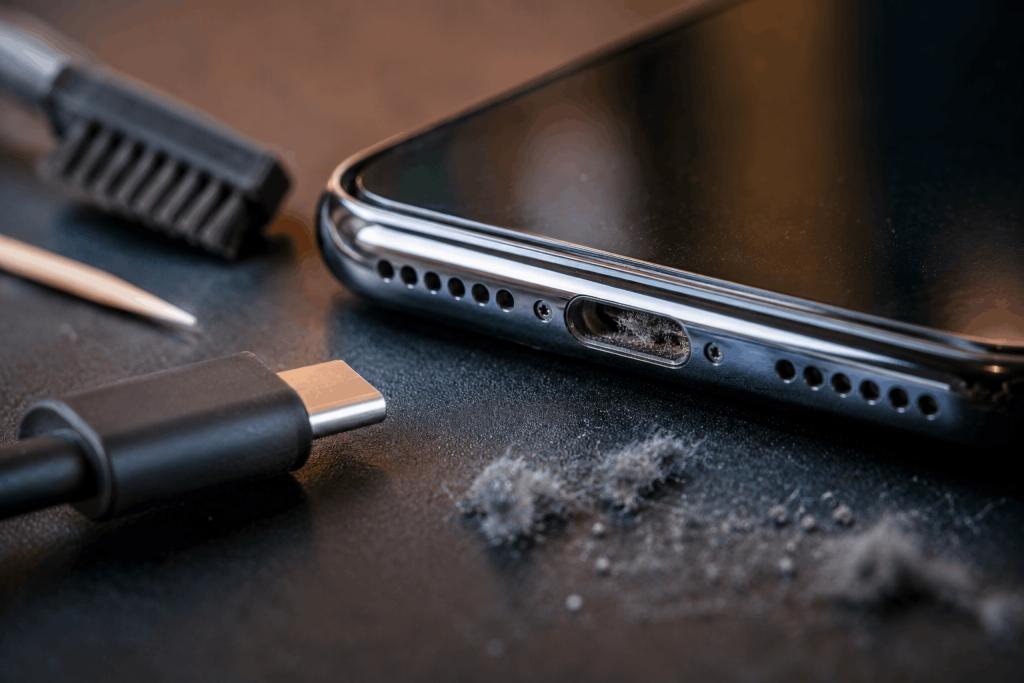
- Lint and dust buildup — pocket fluff packs into the port over time and physically blocks the cable from making contact.
- Bent or pushed-in pins — forcing a cable in at the wrong angle, or dropping the phone port-first, can bend the internal pins.
- Worn-out contacts — after thousands of plug-in cycles, the metal contacts inside the port naturally wear down and lose their grip and connection quality.
- Liquid or moisture exposure — even a small splash can leave mineral residue that corrodes the contacts, even if the rest of the phone is unaffected.
- A damaged charging cable — sometimes it really is the cable, especially if the connector end is frayed or loose.
- Software-related charging issues — occasionally a phone shows a false ‘not charging’ message due to a software glitch rather than hardware.
- Battery degradation — a badly worn battery can sometimes cause charging to appear inconsistent, mimicking a port problem.
Quick Diagnostic: Port Issue or Something Else?
Use this table to narrow down what’s likely going on before you decide your next step:
| Symptom | Likely Cause | DIY Fix Possible? |
| Charges only when cable is held at an angle | Bent pins or worn contacts | No |
| Doesn’t charge at all, port looks dusty | Lint / debris blockage | Yes — careful cleaning |
| Worked fine after a water exposure incident | Corrosion | No |
| Charges fine with a different cable | Damaged cable, not the port | Yes — replace cable |
| Shows ‘accessory not supported’ message | Corrosion or debris triggering a false alert | Sometimes |
| Charging is fine but very slow | Worn contacts or degraded battery | No |
Safe DIY Steps Before You Book a Repair
If the port simply looks dusty, there are a couple of things worth trying first:
- Power off the phone and use a soft, dry, anti-static brush or a wooden toothpick — never metal — to gently loosen visible lint.
- A can of compressed air held at a slight angle can blow debris out without pushing it further in.
- Try a different, known-good cable and charger to rule out a cable fault before assuming it’s the port.
If none of that helps, or you can see bent pins, discoloration, or corrosion inside the port, stop there — poking at bent contacts with something sharp usually makes the damage worse, not better.
Why a ‘Just Charge It Overnight’ Approach Backfires
A charging port that’s struggling to make contact often means the connection is intermittent rather than completely dead. Leaving a phone plugged in overnight hoping it’ll eventually charge can cause the connector to overheat as it repeatedly makes and loses contact, which risks damaging the charging circuit on the motherboard — turning a simple port repair into a much bigger and more expensive one.
When It’s Time to See a Technician
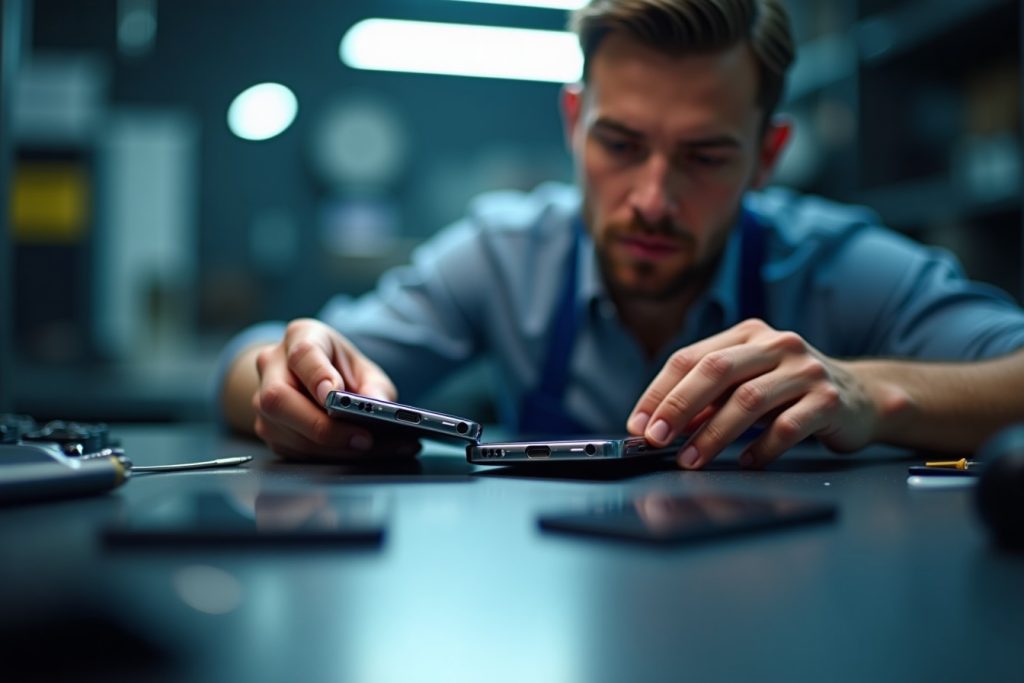
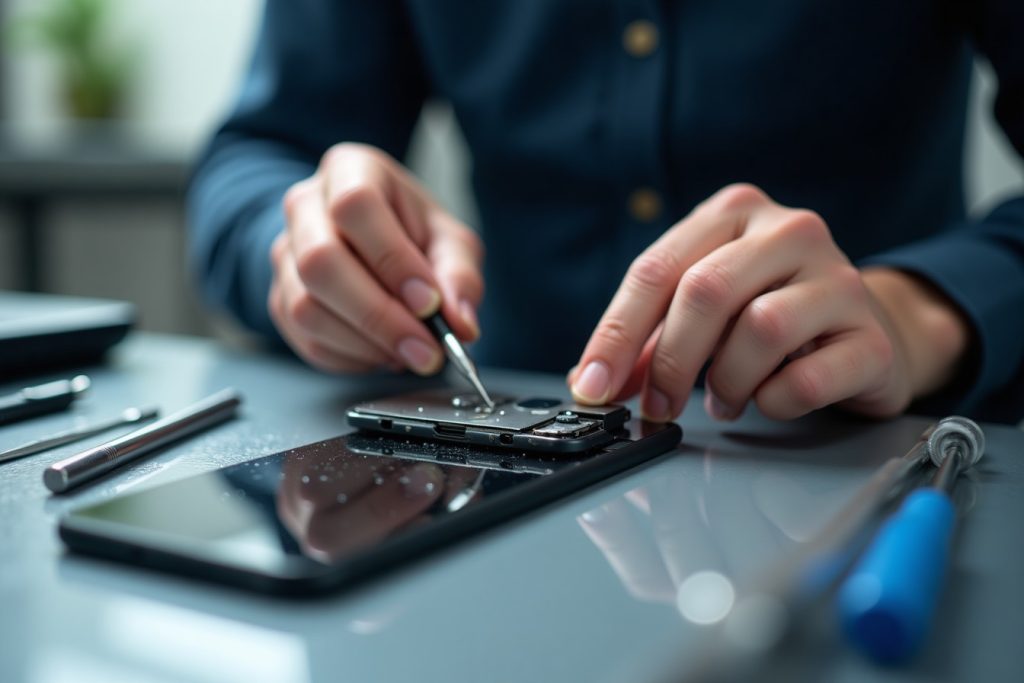
A repair technician can typically diagnose a charging port issue within minutes using a simple visual inspection under magnification and a multimeter test to check whether power is actually reaching the connector. If the pins are bent, corroded, or the port has come loose from the board internally, replacing the charging port assembly restores normal charging without needing to replace the whole phone.
What to Expect Getting It Fixed in Sharjah
If cleaning and a cable swap haven’t solved it, professional charging port repair is a walk-in, same-day service in most cases. The technician diagnoses the exact cause first, confirms a free quote based on your phone model, and every repair carries a 6-month parts warranty — and it covers all major phone brands, not just one manufacturer.
Frequently Asked Questions
Why is my phone not charging even though the cable works on other phones?
If a cable charges other phones fine, the problem is almost always inside your phone’s port — commonly lint, bent pins, or worn contacts — rather than the cable itself.
Can I clean a charging port myself?
Yes, gently, with a dry anti-static brush, a wooden toothpick, or compressed air, as long as the phone is powered off. Avoid metal tools, which can bend the delicate pins.
Is a broken charging port expensive to fix?
Charging port repair is typically far less expensive than replacing the phone, and pricing depends on the model — confirmed with a free quote once it’s assessed.
Can water damage a charging port even if the phone still works?
Yes. Moisture can leave mineral residue that corrodes the contacts over time, even if the rest of the phone appears unaffected initially.
How long does charging port repair take?
Most charging port repairs are completed the same day, with walk-in service and no appointment required.
Will a new charging cable fix the problem?
Only if the cable itself was the issue. If the port has debris, bent pins, or corrosion, a new cable won’t resolve it — the port itself needs attention.
The Bottom Line
A phone that won’t charge is frustrating, but it’s rarely a reason to replace the device. Most charging port issues come down to something physical — lint, a bent pin, or wear from years of daily use — and are straightforward to repair once diagnosed properly. If cleaning and a cable swap don’t solve it, bring it in for a free assessment and same-day charging port repair, backed by a 6-month parts warranty.