Your phone went into water — a pool, a sink, a spilled drink — and once the panic about the phone itself settles, a second worry kicks in: what about everything on it? Years of photos, messages, documents, all sitting on a device that might not even turn on anymore.
The honest answer is that data recovery after water damage is possible in a lot of cases, but the odds depend heavily on what you do in the first few minutes and hours, not just on the recovery process itself.
| Quick AnswerData recovery after phone water damage is often possible, especially if the phone is powered off immediately and not charged or turned on again before professional assessment. Recovery odds depend on how long the phone was submerged, whether it was powered on when recovered, and how quickly it’s brought in. Storage chips can often be accessed even when the rest of the phone is unrecoverable. |
Key Takeaways
- Powering off the phone immediately — and keeping it off — is the single biggest factor in preserving data recovery odds.
- Never charge a water-damaged phone before it’s been assessed; this is one of the fastest ways to cause permanent data loss.
- The phone’s storage chip can often be read directly, even if the rest of the phone is damaged beyond repair.
- Time matters — corrosion sets in within hours, so the sooner it’s assessed, the better the odds.
- Data recovery is a separate service from phone repair — the phone itself doesn’t need to be fixable for data to be recoverable.
What to Do in the First Five Minutes
- Power the phone off immediately if it isn’t already off — do not try to check if it ‘still works.’
- Do not plug it in to charge, even to see if it turns on.
- Remove any case and, if possible, the SIM card, but don’t disassemble the phone yourself.
- Dry the outside gently with a soft cloth — don’t use heat, a hairdryer, or direct sunlight.
- Avoid shaking or tilting the phone, which can spread moisture further into internal components.
- Bring it in for assessment as soon as possible — ideally within a few hours, not days.
What Actually Determines Recovery Odds
Use this table as a rough guide to how your specific situation is likely to play out:
Factor | Better Odds | Worse Odds |
Time in water | Brief splash or quick dunk | Fully submerged for minutes |
Powered on when it happened | Was already off | Was actively being used |
Actions taken after | Powered off immediately, brought in same day | Charged or repeatedly powered on |
Type of liquid | Fresh water | Salt water or sugary drinks — more corrosive |
Time before assessment | Within hours | Days later |
Visible corrosion on arrival | None yet | Green/white corrosion already visible |
Why Powering Off Matters So Much
Water damage rarely destroys data the moment it happens — the real damage usually comes from a short circuit while the phone is still powered on and water is bridging connections it shouldn’t. A phone that’s powered off the instant it’s out of the water has a meaningfully better chance of having fully intact, undamaged storage, because that short-circuit risk never gets the chance to happen.
Why Charging It Is the Worst Mistake
Plugging in a wet phone to ‘see if it charges’ is one of the most common ways people accidentally destroy their own data. Introducing power to a phone with moisture still present significantly increases the risk of a short circuit that can damage the storage chip itself — turning a recoverable situation into an unrecoverable one within seconds.
How Professional Data Recovery Actually Works
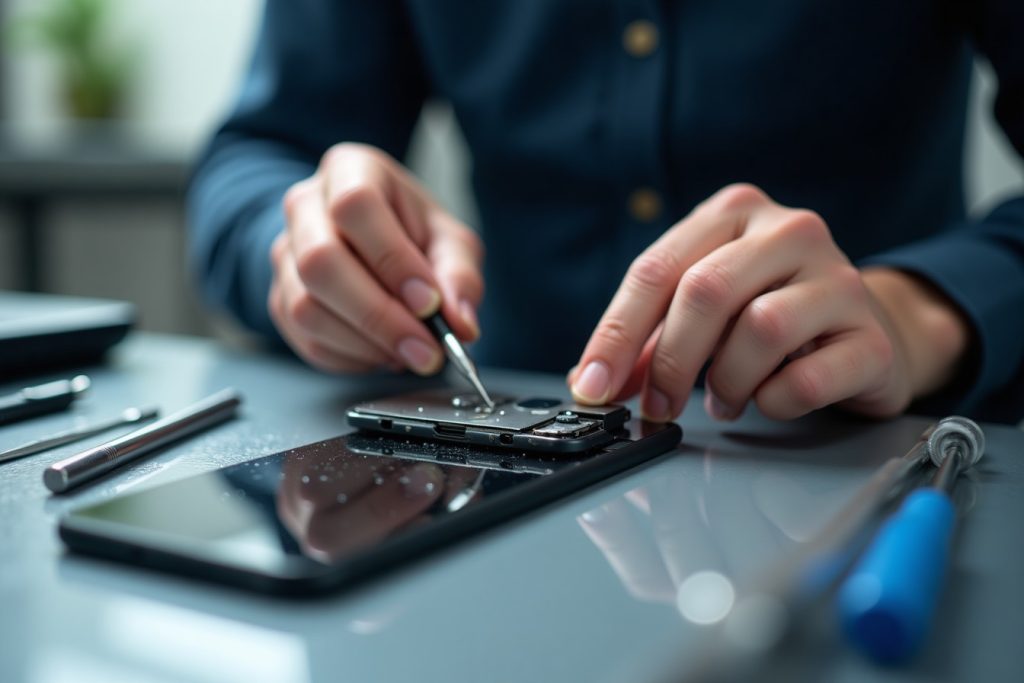
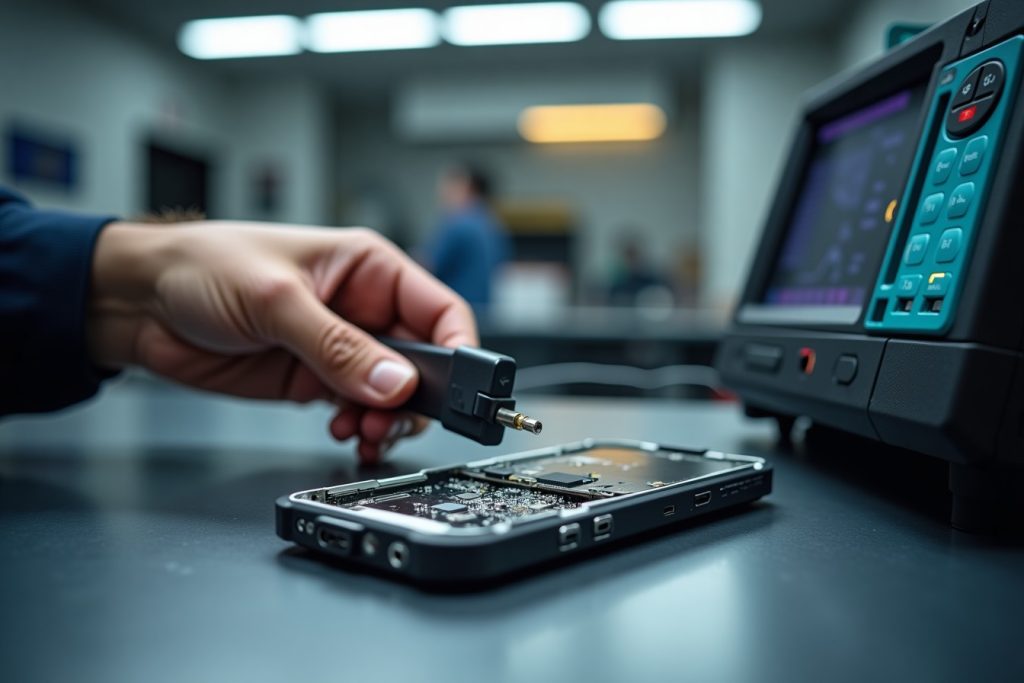
A technician assesses the extent of moisture damage first, without powering the phone on. If the storage chip appears intact, it can often be carefully removed and read directly using specialized equipment — bypassing the phone’s damaged logic board entirely. This means even a phone that will never power on again can sometimes still have its photos, messages, and files successfully recovered.
What If the Phone Was Already Powered On?
Recovery is still often possible, but the odds are lower and the assessment becomes more important. If the phone short-circuited before it could be powered off, there’s a higher chance of chip-level damage — but this is something that needs to be assessed by a technician rather than assumed, since recovery success varies a lot case by case.
What to Expect Getting It Assessed in Sharjah
If your phone has been in water, professional data recovery starts with a free, no-power-on assessment to check the storage chip’s condition before anything else happens. This is a separate process from repairing the phone itself, so pursuing data recovery doesn’t depend on the phone being fixable.
Frequently Asked Questions
Can data be recovered even if my phone won’t turn on anymore?
Often yes. If the storage chip itself is intact, data can frequently be read directly from it, independent of whether the rest of the phone still works.
Should I put my water-damaged phone in rice?
It’s a common myth with limited real benefit. What matters far more is powering the phone off immediately and getting it assessed quickly, rather than relying on rice to dry it out.
How soon do I need to bring in a water-damaged phone?
As soon as possible — ideally within a few hours. Corrosion can begin setting in within that window and reduces recovery odds the longer it’s left.
Does salt water make data recovery less likely?
Yes, salt water and sugary liquids are more corrosive than fresh water and tend to cause faster, more extensive internal damage.
Is data recovery guaranteed to work?
No, it depends on the extent of the damage, which is why a free assessment comes first — but many cases, especially where the phone was powered off quickly, are successfully recovered.
Does data recovery mean my phone will also be repaired?
Not necessarily. Data recovery and phone repair are separate services — data can sometimes be recovered even from a phone that isn’t worth repairing.
The Bottom Line
Water damage feels like an emergency, and in terms of protecting your data, it genuinely is one — but the right first moves make a real difference. Power it off, don’t charge it, and get it assessed quickly. From there, a free diagnostic will tell you exactly what’s recoverable, whether or not the phone itself can be saved.