Summer in the UAE isn’t just uncomfortable for you — it’s genuinely hard on your phone. Car interiors can climb well past 60°C in direct sun, and phones aren’t built to handle that kind of sustained heat for long. Unlike water damage, heat damage is quiet: there’s no dramatic moment, just gradual wear that shows up later as battery problems or a phone that shuts down out of nowhere.
The good news is that heat damage is one of the most preventable phone problems out there, once you know what’s actually risky and what isn’t.
| Quick AnswerProtect your phone from UAE summer heat by never leaving it in a parked car, avoiding direct sunlight for extended periods, removing thick cases while charging, and letting it cool down before using it heavily after exposure to heat. If your phone shuts off due to overheating, remove it from the heat source and let it cool naturally before turning it back on. |
Key Takeaways
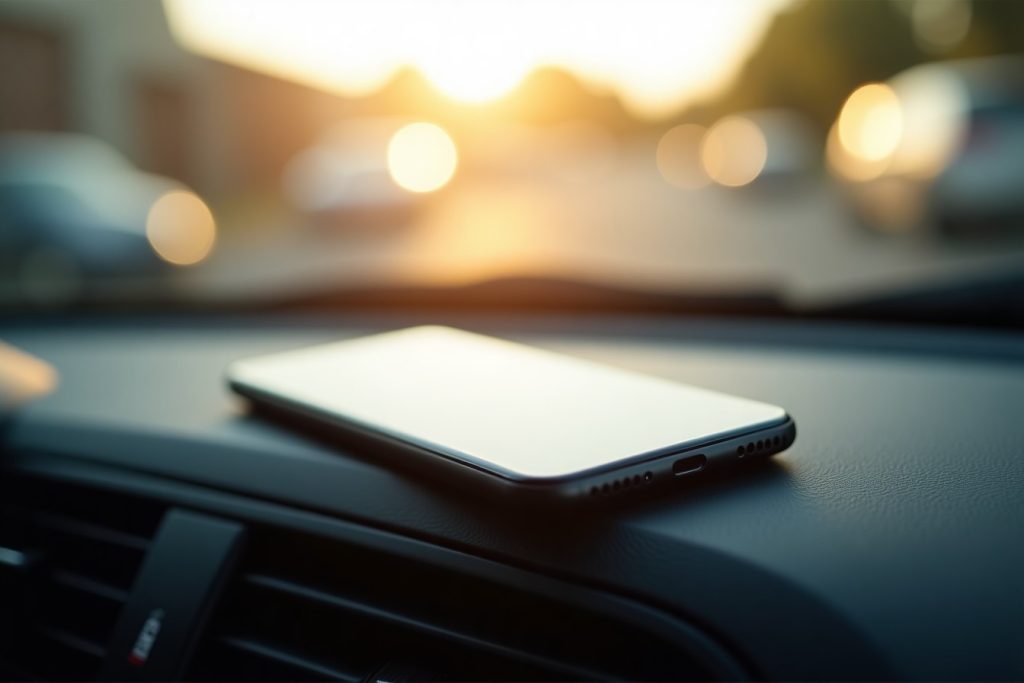
- A parked car in UAE summer is the single biggest heat risk — dashboard and glovebox temperatures can exceed what phones are rated to handle.
- Heat damage is cumulative — repeated exposure wears down battery health even if the phone seems fine each time.
- A phone that shuts down when hot is protecting itself; forcing it back on immediately can make things worse.
- Thick cases trap heat during charging, which is one of the most common overlooked causes of overheating.
- If your phone shows heat-related symptoms repeatedly, a battery or internal check is worth getting before real damage sets in.
Why Heat Is Genuinely Dangerous for Phones
Lithium-ion batteries, which power virtually every smartphone, are chemically sensitive to heat. Most manufacturers rate their devices for safe operation up to around 35°C, and for storage up to around 45°C. A car dashboard in direct UAE summer sun can easily exceed both of those numbers within minutes, not hours.
Sustained heat accelerates battery degradation, can warp internal components, and in extreme cases, risks battery swelling. It’s rarely a single dramatic event — it’s more often repeated exposure that quietly shortens your phone’s lifespan.
7 Ways to Protect Your Phone This Summer
- Never leave your phone in a parked car, even for a short errand — dashboard and seat temperatures rise far faster than outside air temperature.
- Avoid direct, prolonged sunlight — at the beach, by the pool, or on an outdoor table, keep your phone in shade or a bag.
- Remove thick cases while charging — cases trap heat generated during charging, and combined with ambient heat, this adds up.
- Avoid heavy use — like gaming or navigation — while the phone is already warm from the environment.
- Don’t charge your phone right after it’s been in a hot car or bag — let it cool to room temperature first.
- Keep your phone out of direct AC vents too — rapid temperature swings from hot to cold can also stress internal components.
- If your phone overheats and shuts down, don’t force it back on immediately — let it cool naturally for at least 15-20 minutes.
Signs Your Phone Has Already Taken Heat Damage
Use this table to check whether what you’re seeing points to heat as the cause:
Symptom | Heat-Related? | What to Do |
Phone shuts down when hot, works fine once cool | Yes — likely a protective response | Let it cool, avoid repeat exposure |
Battery drains much faster than before | Possibly | Check battery health in settings |
Back panel or screen feels warm during normal use | Possibly | Monitor; get checked if persistent |
Phone won’t charge above a certain percentage | Possibly | Have battery assessed |
Visible bulging of the back panel | Yes | Stop using, get checked immediately |
Screen shows dark patches after heat exposure | Yes | Have display assessed |
What Actually Happens Inside a Hot Phone
When a phone gets too hot, most modern devices automatically throttle performance or shut down entirely to protect the battery and internal chips from damage — this is a safety feature, not a fault. The real risk comes from repeated cycles of this happening, which gradually wears down battery capacity faster than normal use would, and in rare cases can affect the adhesive holding the screen or back glass in place.
Common UAE-Specific Mistakes
- Leaving the phone on a car dashboard while running errands — even 10-15 minutes in direct sun is enough to reach risky temperatures.
- Charging the phone in a hot car using the car charger while driving in peak afternoon heat.
- Wrapping a hot phone immediately in a cold, air-conditioned bag — the rapid temperature change can also stress components, similar to sudden cold exposure elsewhere.
What to Expect If Your Phone Needs Checking
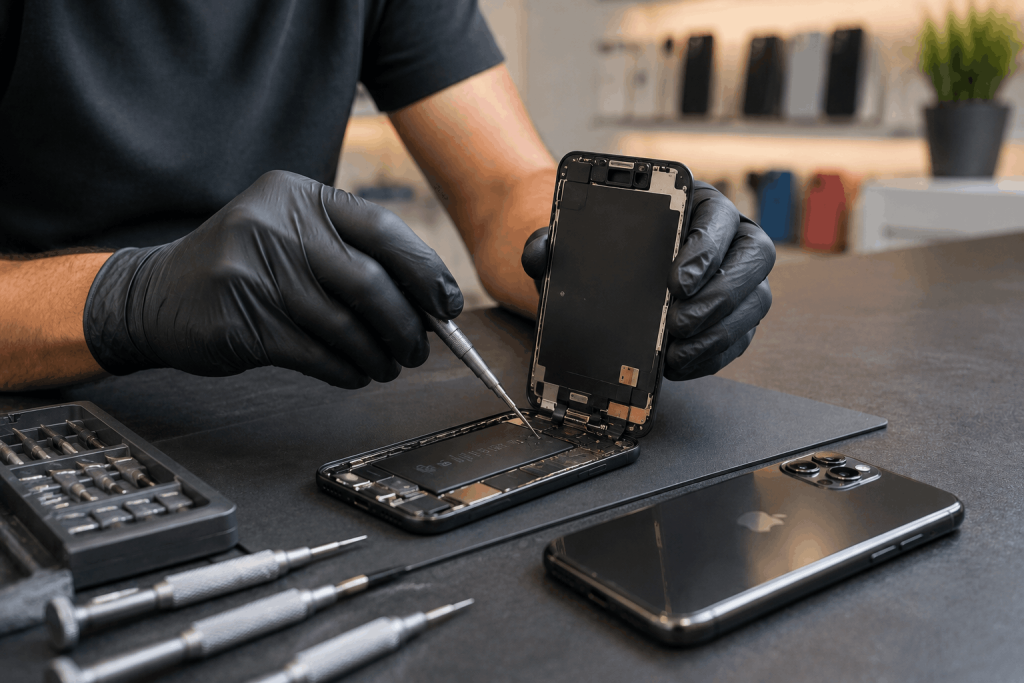
If your phone has been showing heat-related symptoms repeatedly, a technician can assess battery health and internal condition the same day. Water & heat damage repair covers both liquid exposure and heat-related component issues, with a free diagnostic, all major brands covered, and a 6-month parts warranty on any repair.
Frequently Asked Questions
Can leaving my phone in a hot car actually damage it?
Yes. Car interiors in UAE summer can exceed 60°C, well beyond what phone batteries and components are rated for, even for short periods.
Is it safe to charge my phone in a hot car?
It’s best avoided. Charging generates additional heat on top of the already high ambient temperature, increasing the risk of battery stress or shutdown.
Why does my phone shut off when it’s hot outside?
This is usually a built-in safety feature protecting the battery and internal components from heat damage, not a sign of a fault by itself.
Does a phone case make heat worse?
A thick case can trap heat, especially during charging, so it’s worth removing the case while charging on hot days.
How do I know if heat has actually damaged my battery?
Persistent drain, inconsistent charging, or a battery health reading below 80% in your phone’s settings after a summer of heavy heat exposure are good indicators.
What should I do if my phone overheats and won’t turn back on?
Move it out of the heat, avoid charging it immediately, and let it cool for at least 15-20 minutes before trying again. If it still won’t respond, have it checked.
The Bottom Line
UAE summers are hard on phones in a way that’s easy to overlook until the battery or internals start showing it. A few consistent habits — never leaving your phone in the car, letting it cool before charging, avoiding direct sun for long stretches — go a long way toward protecting it. If you’re already seeing heat-related symptoms, a free diagnostic will tell you exactly where things stand, backed by a 6-month parts warranty on any repair.